01
Connect YouTube once
One approval at YouTube and the studio brings you straight back. A shared page belongs to the business; a personal account stays private to you.

Walkthroughs and neighborhood tours, described properly.
From the studio's own network settings.
YouTube is where the walkthrough lives after the listing closes and the neighborhood tour keeps finding relocating families for years. The studio handles the part agents skip: the description, the timing, the same brand as everywhere else.
One approval at YouTube and the studio brings you straight back. A shared page belongs to the business; a personal account stays private to you.
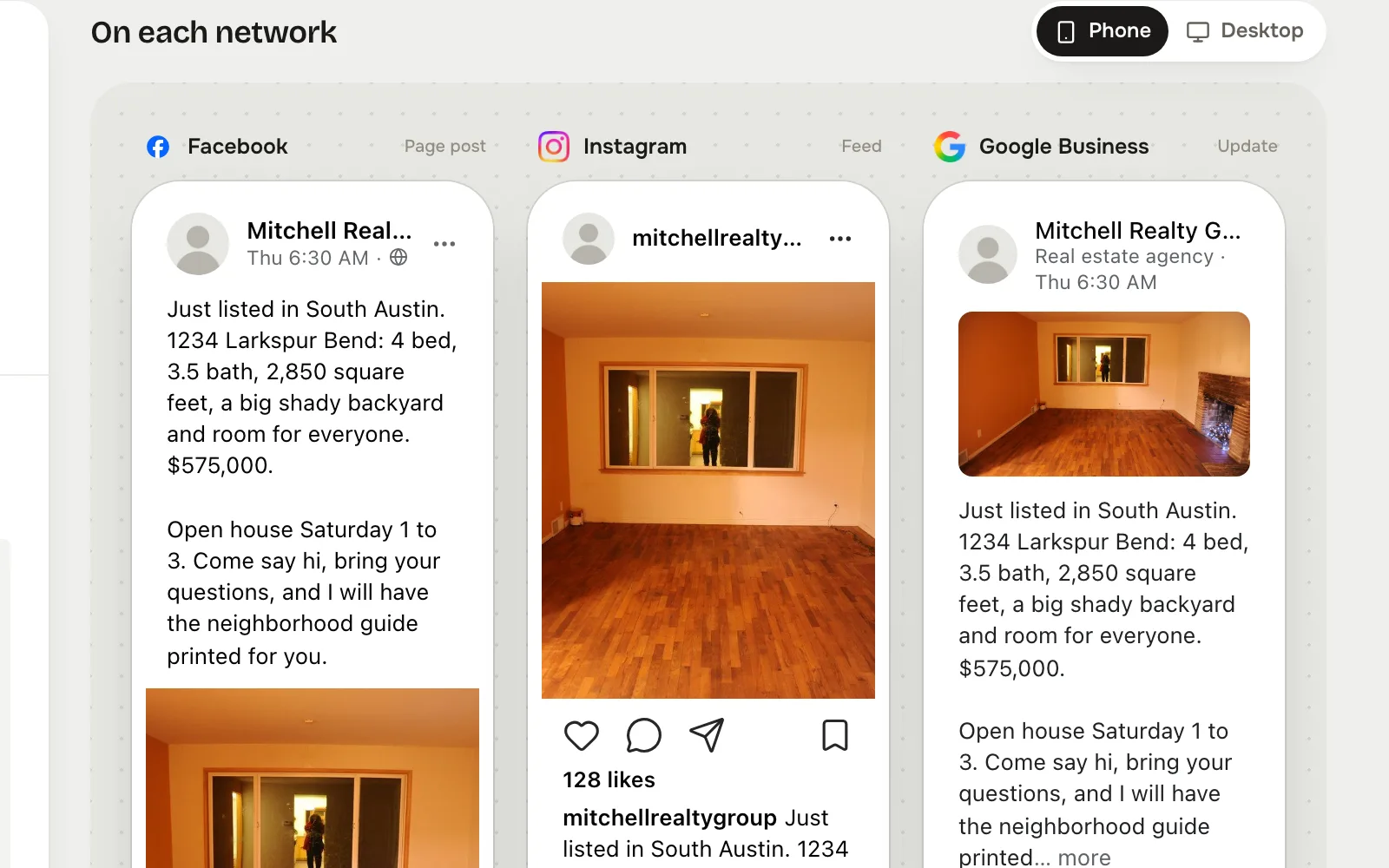
Tap YouTube in Post to, write the post, and see the YouTube preview beside the others before it goes anywhere.
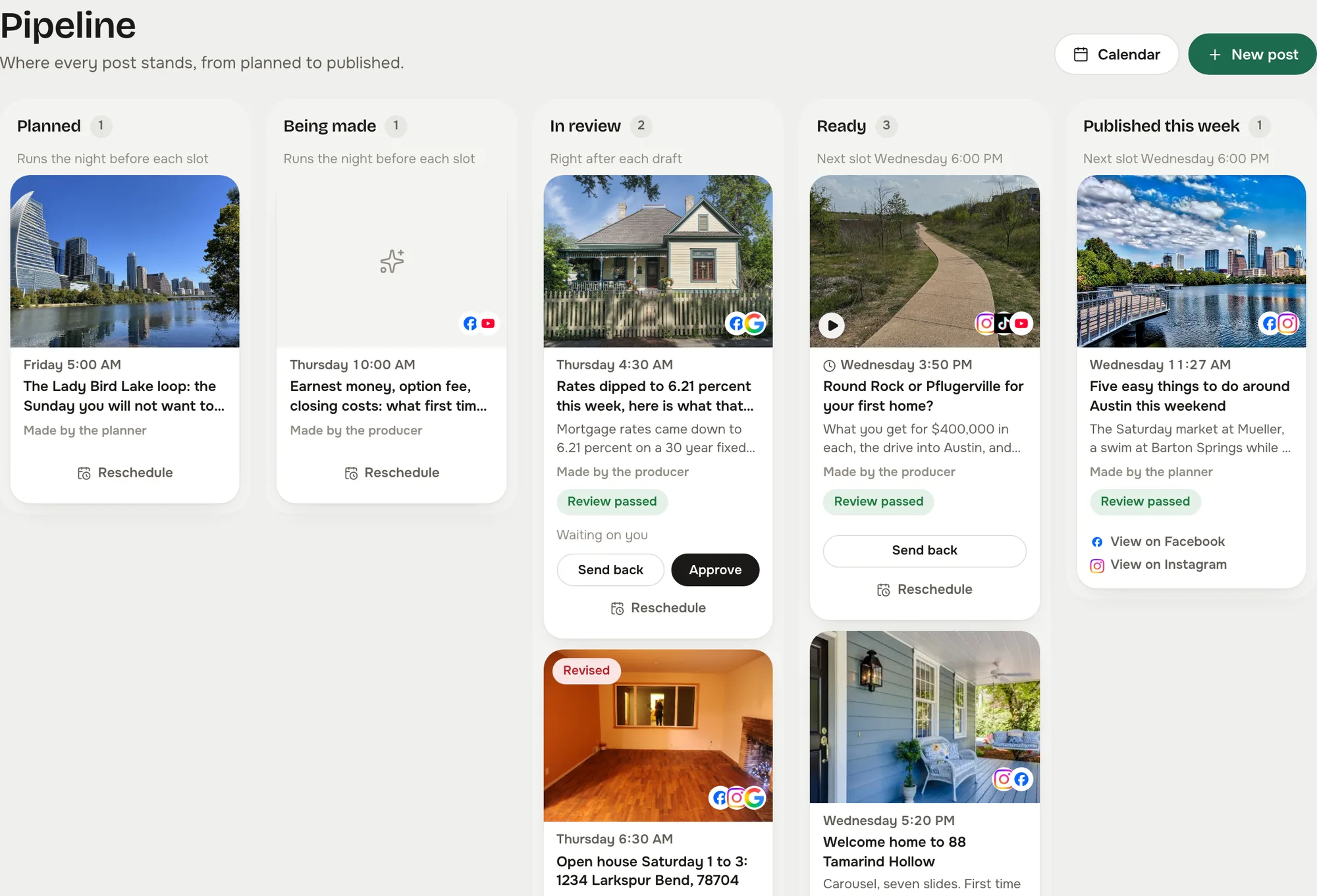
The post waits as Ready until you approve it, unless you let reviewed posts send themselves. Then it goes out on time and shows on the calendar with its link.
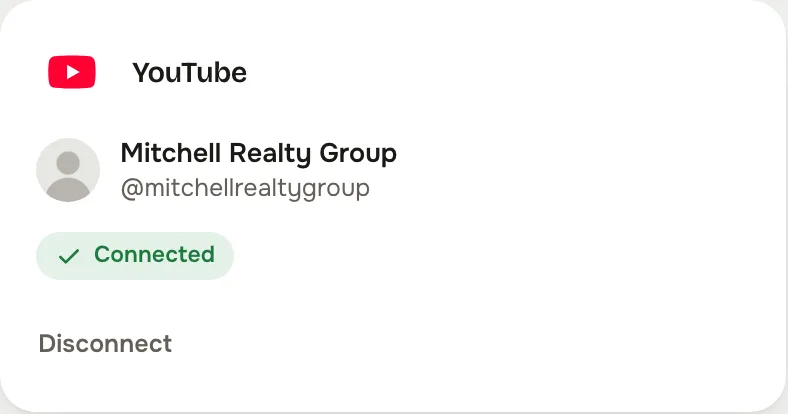
Captured from the live studio on a demo account, Mitchell Realty Group, an invented Austin, Texas team. Every agent, listing, number and message in it is invented.
A YouTube post is a video. The composer says so before you try, and the reviewer checks it on every draft.
Room for the address, the neighborhood, the school district and the link. The preview marks the fold at about 157 characters, so the first line does the work.
The upload goes out from the same calendar and the same board as your Facebook and Instagram posts.
No. It publishes the video you upload and writes the description with you. The graphics it makes are still pictures.
The channel you connect through Google's own approval. A shared channel belongs to the business; a personal one stays private to you.
In your Reclearly dashboard. The Social Studio link opens it inside Reclearly, in your own workspace, and YouTube is on the Accounts screen.