01
Connect LinkedIn once
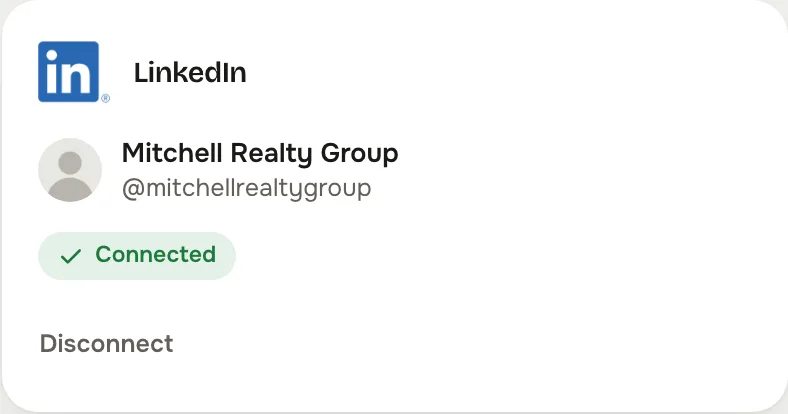
One approval at LinkedIn and the studio brings you straight back. A shared page belongs to the business; a personal account stays private to you.

Relocation, referrals and the employers moving people into your area.
From the studio's own network settings.
LinkedIn is where relocation starts: the person who just took the job, the HR lead who moves twenty families a year, the lender and the attorney who send referrals. It rewards the market post and the plain explanation more than the listing photo.
One approval at LinkedIn and the studio brings you straight back. A shared page belongs to the business; a personal account stays private to you.
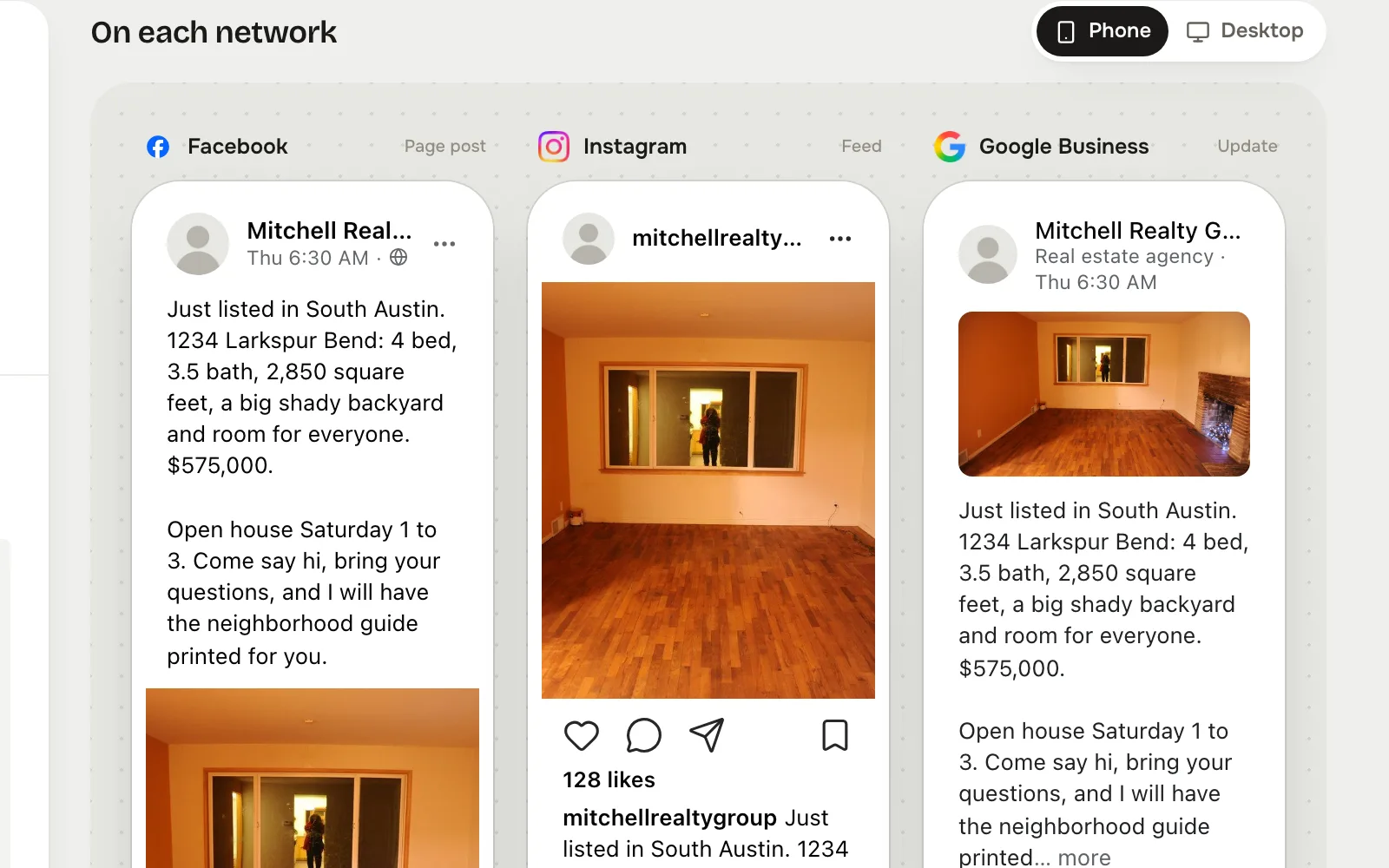
Tap LinkedIn in Post to, write the post, and see the LinkedIn preview beside the others before it goes anywhere.
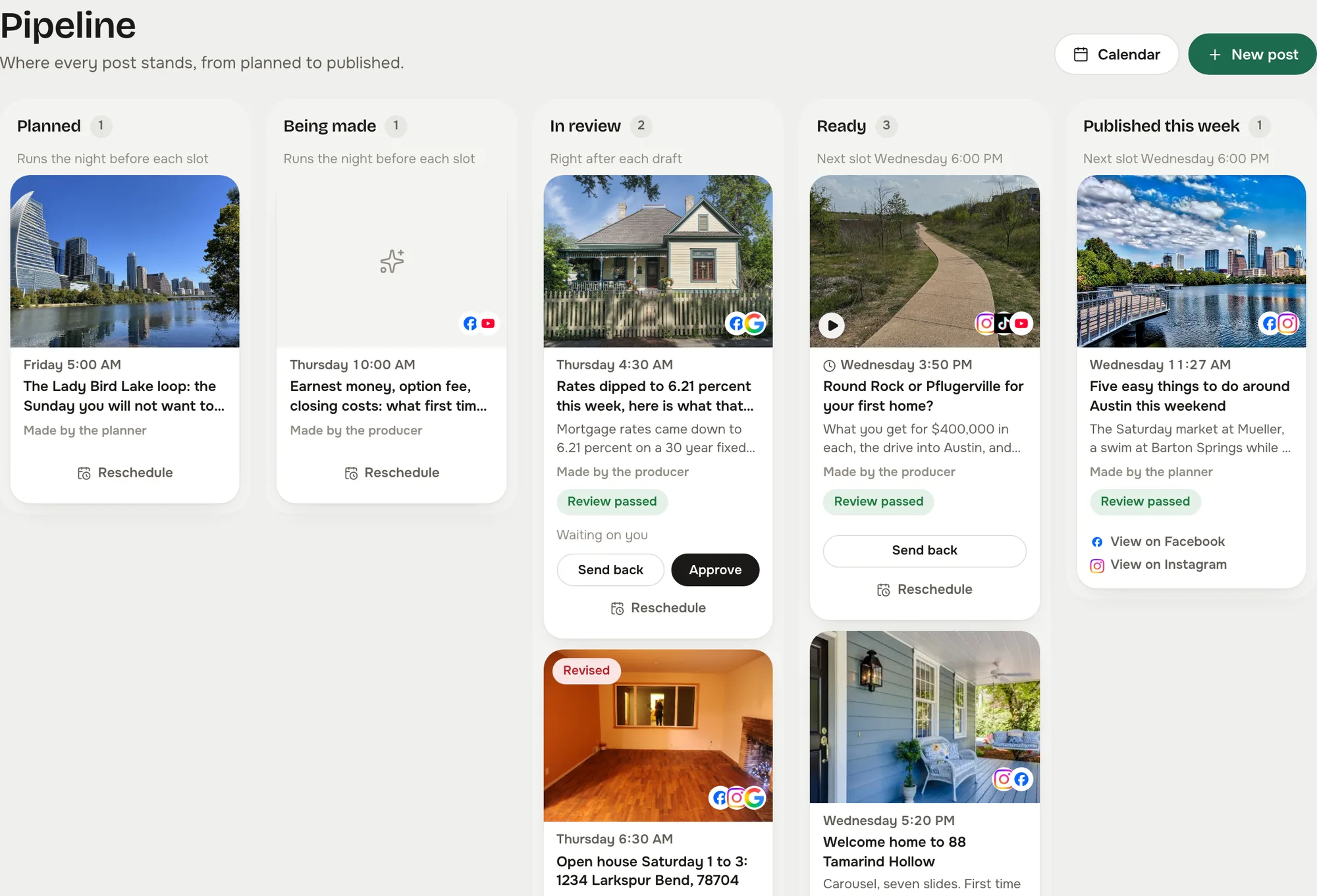
The post waits as Ready until you approve it, unless you let reviewed posts send themselves. Then it goes out on time and shows on the calendar with its link.
Captured from the live studio on a demo account, Mitchell Realty Group, an invented Austin, Texas team. Every agent, listing, number and message in it is invented.
No picture required. A market update, a rate explainer or a relocation note goes out as text when that is what fits, with the graphic when it helps.
The preview marks where LinkedIn cuts to See more, so the first two lines carry the point.
Give LinkedIn its own kind of post in the planner and the writer drafts for a professional reader, not a repost of the open house.
Either. A company page is shared with the team; a personal profile stays private to you and posts go out under your name.
Less than the others. It suits the market post, the relocation guide and the referral partner. The planner's per network mix lets you say so.
In your Reclearly dashboard. The Social Studio link opens it inside Reclearly, in your own workspace, and LinkedIn is on the Accounts screen.