01
Connect Threads once
One approval at Threads and the studio brings you straight back. A shared page belongs to the business; a personal account stays private to you.


From the studio's own network settings.
Threads sits next to Instagram and takes the short text post that Instagram cannot: the rate note, the question, the quick market line, from the same account.
One approval at Threads and the studio brings you straight back. A shared page belongs to the business; a personal account stays private to you.
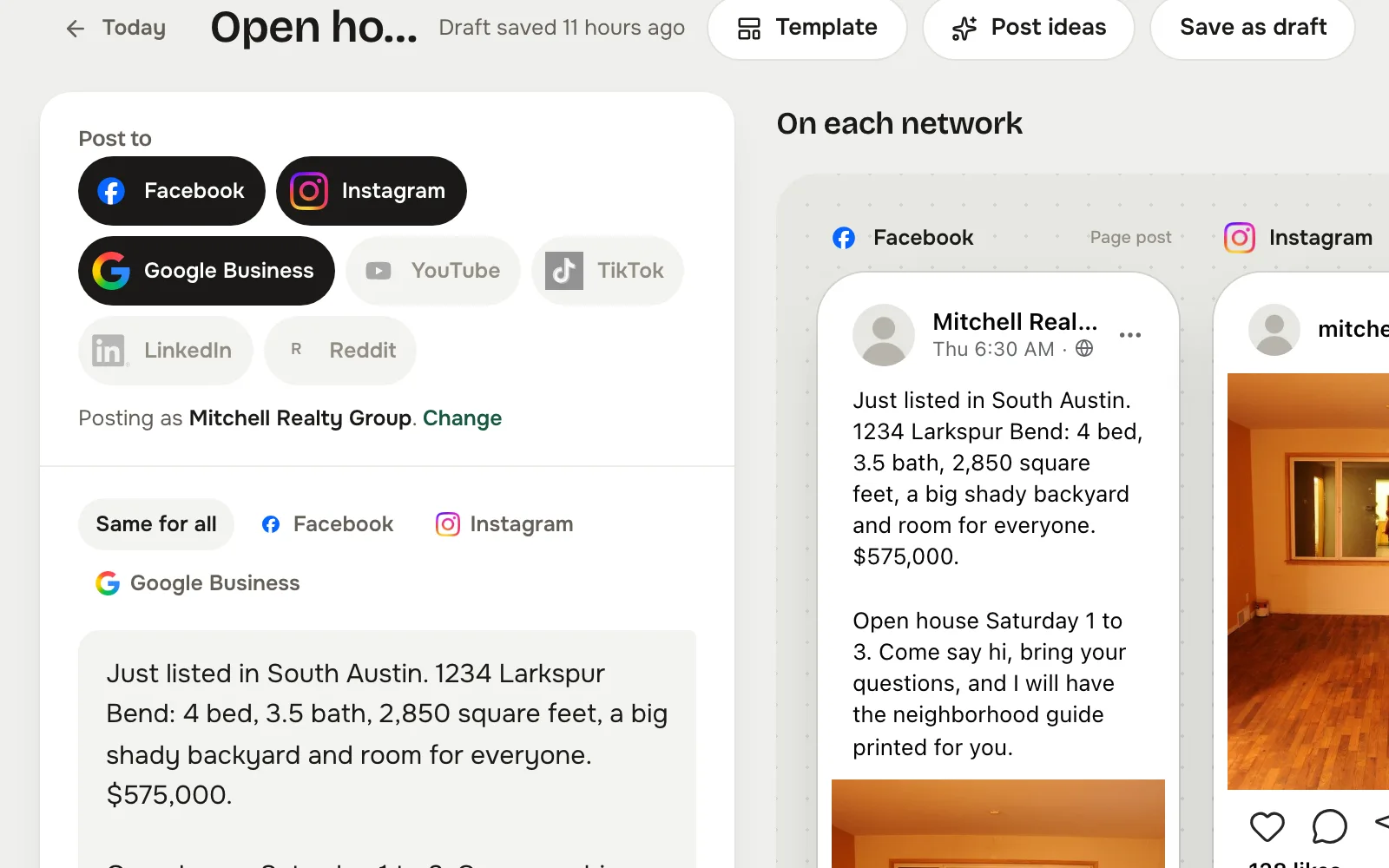
Tap Threads in Post to, write the post, and the composer counts the Threads caption and marks where it folds.
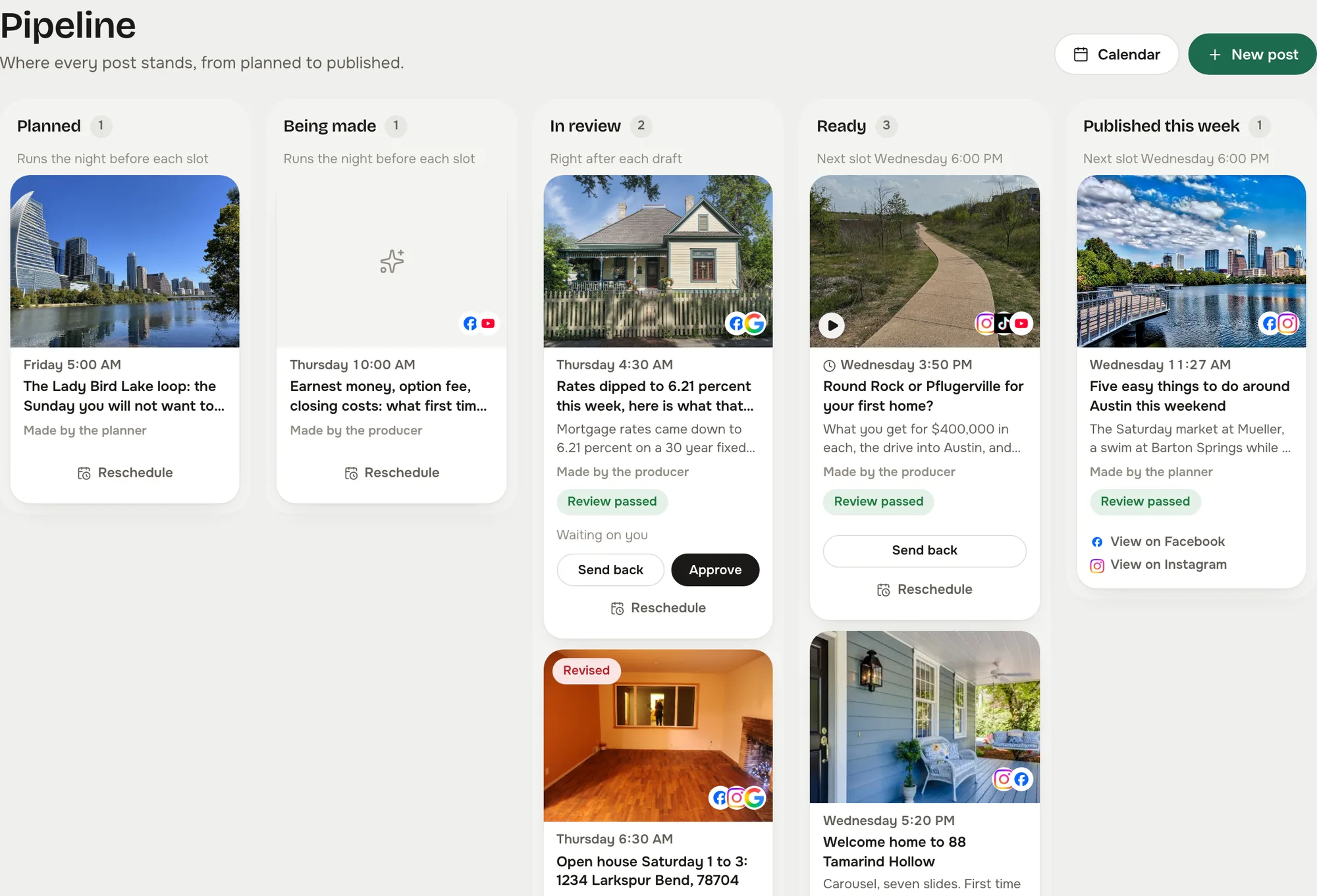
The post waits as Ready until you approve it, unless you let reviewed posts send themselves. Then it goes out on time and shows on the calendar with its link.
Captured from the live studio on a demo account, Mitchell Realty Group, an invented Austin, Texas team. Every agent, listing, number and message in it is invented.
Words alone are fine here. The composer counts per network so the Threads version can be its own short line.
A Threads post waits on the board like any other and passes the same reviewer.
Threads uses your Instagram account. Connect it once through the same approval.
In your Reclearly dashboard. The Social Studio link opens it inside Reclearly, in your own workspace, and Threads is on the Accounts screen.