← Social Studio

Pinterest, from inside Reclearly.

The listing photo that keeps getting found months later.

Caption
500 characters
Folds at
100 characters
Picture
required
Inbox
posts only
Connect
approve, then pick a board

From the studio's own network settings.

Why Pinterest

Why an agent posts here.

A pin lives longer than a post. Kitchens, porches and neighborhood shots get saved and found for months, which is why the branded listing graphic earns a board of its own.

By handIn the studio
Writing the postType it in the app, then again in the next app.Write it once. Give Pinterest its own version only when it needs one.
Fitting PinterestGuess where it cuts off and hope the point landed.Pinterest folds a caption at about 100 characters; the preview marks it.
PicturesFind the photo, resize it, forget the logo.A picture is required here and the composer says so first. The listing graphic renders with your logo, headshot and color.
TimingPost when you remember, usually at night.Pick the slot. It goes out on time from the same calendar as every other network.
Checking itRead it twice and hope nothing breaks a rule.The reviewer checks fair housing wording, rate claims and listing facts before you ever see it.
Comments and messagesOpen the app to find out.Not in the studio inbox today, which covers Facebook and Instagram. Posts go out; replies stay in the app.
How it works

Three steps to Pinterest.

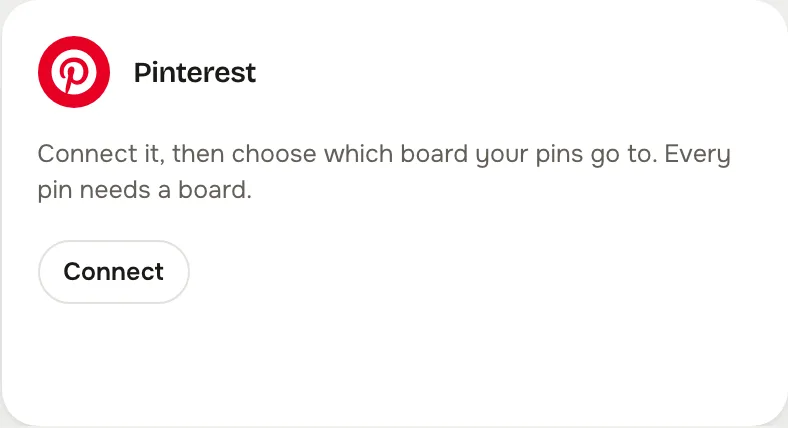
The Pinterest card on the studio's Accounts screen
01

Connect Pinterest once

One approval at Pinterest, then pick the board your pins go to. The studio brings you straight back.


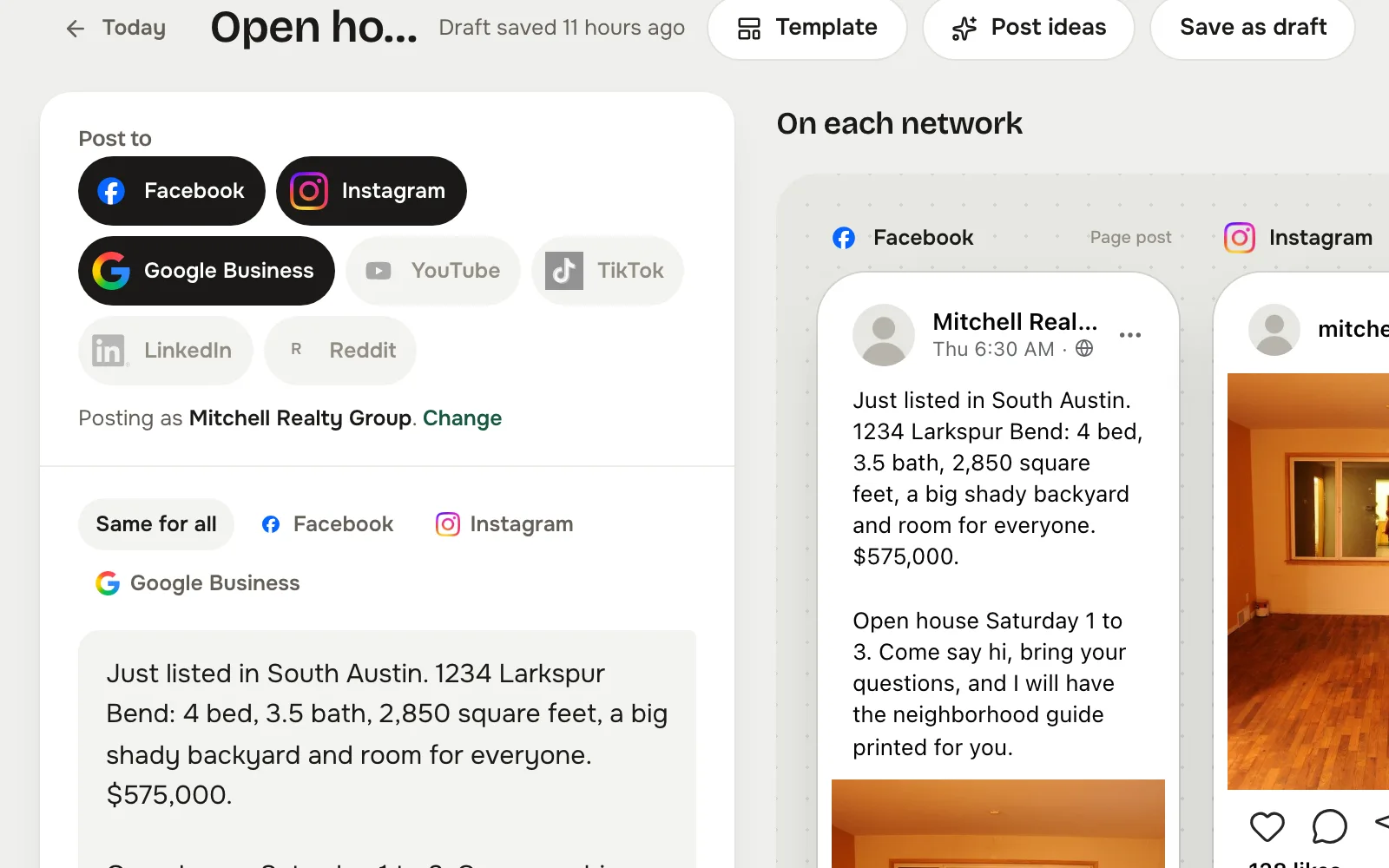
The composer with a post written once and previewed per network
02

Write once, check the preview

Tap Pinterest in Post to, write the post, and the composer counts the Pinterest caption and marks where it folds.
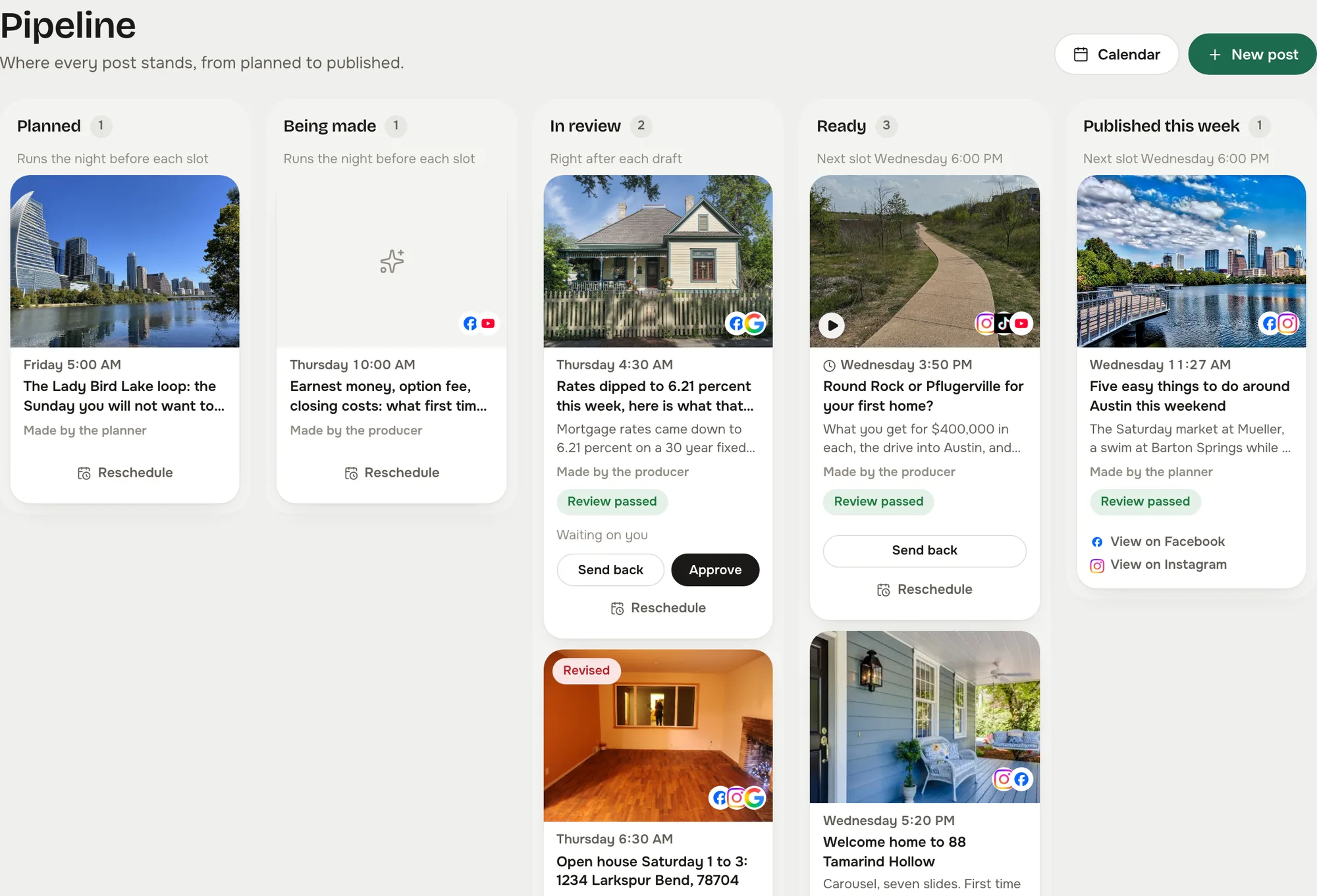
The pipeline board: planned, being made, in review, ready, published
03

Say yes on the board

The post waits as Ready until you approve it, unless you let reviewed posts send themselves. Then it goes out on time and shows on the calendar with its link.

Captured from the live studio on a demo account, Mitchell Realty Group, an invented Austin, Texas team. Every agent, listing, number and message in it is invented.

What the studio does on Pinterest

Built for how Pinterest actually takes a post.

Pick the board once

Connect Pinterest, then choose which board your pins go to. Every pin needs a board, and the studio asks before the first one.

A picture on every pin

The listing graphic, or your own photo. The composer says so before you schedule.

Folds at 100 characters

Short description, marked in the preview.

Supported platforms

The same post, on every network you connect

Write it once. Pick another network to see what the studio does there.

Questions

The fair questions about Pinterest.

Can I use more than one board?

You choose one board when you connect. Change it from the accounts screen when a new board should get the pins.

Where do I find the studio?

In your Reclearly dashboard. The Social Studio link opens it inside Reclearly, in your own workspace, and Pinterest is on the Accounts screen.