
01
Connect Facebook once
One approval at Facebook and the studio brings you straight back. A shared page belongs to the business; a personal account stays private to you.


Your page, your neighborhood, and the comments that turn into clients.
From the studio's own network settings.
For most agents Facebook is still where the neighborhood is: the page, the local groups, the parents and the retirees who share a listing with a cousin who is moving. It rewards a steady page more than a viral one, and it is the network where a comment most often becomes a conversation.
One approval at Facebook and the studio brings you straight back. A shared page belongs to the business; a personal account stays private to you.
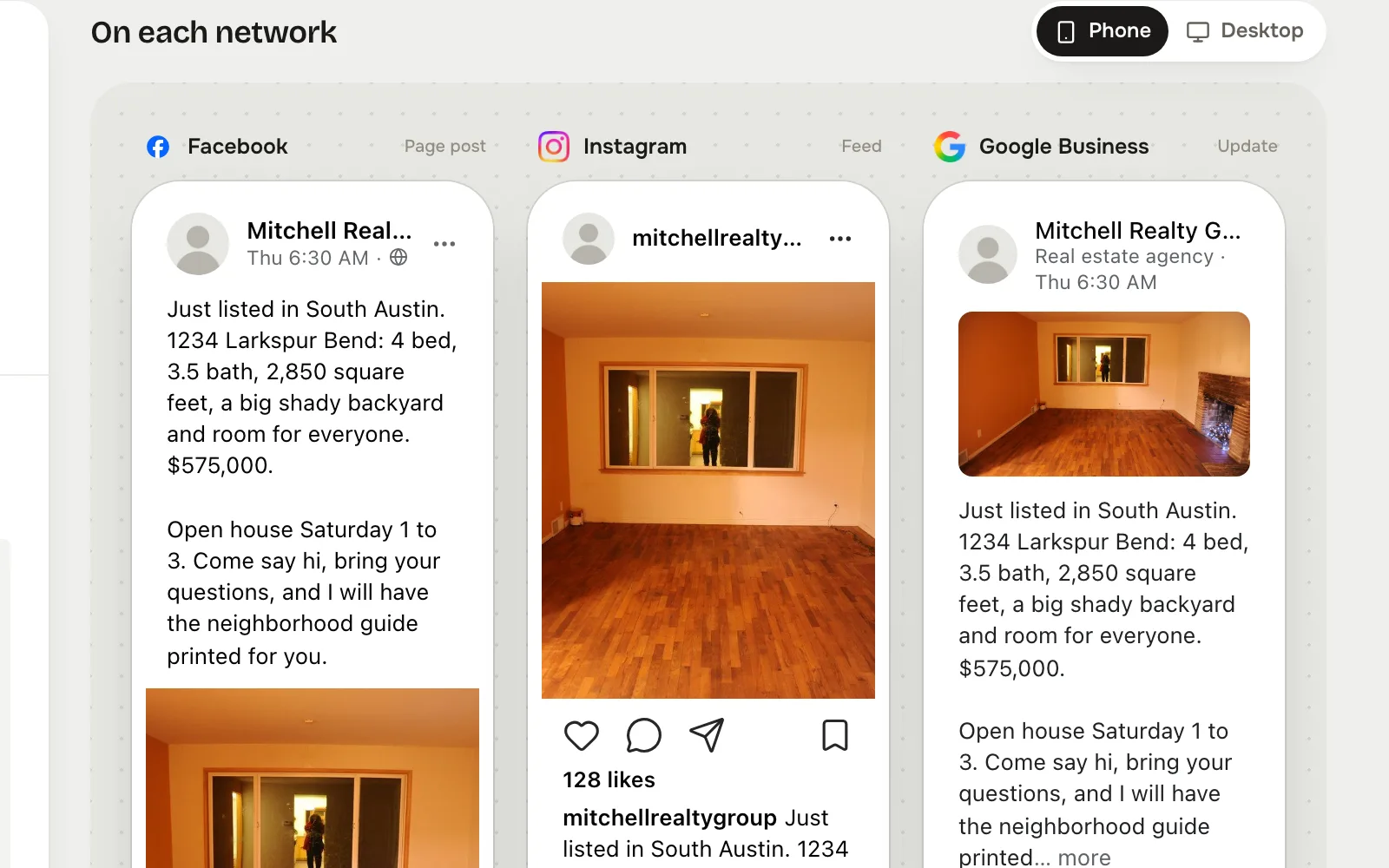
Tap Facebook in Post to, write the post, and see the Facebook preview beside the others before it goes anywhere.
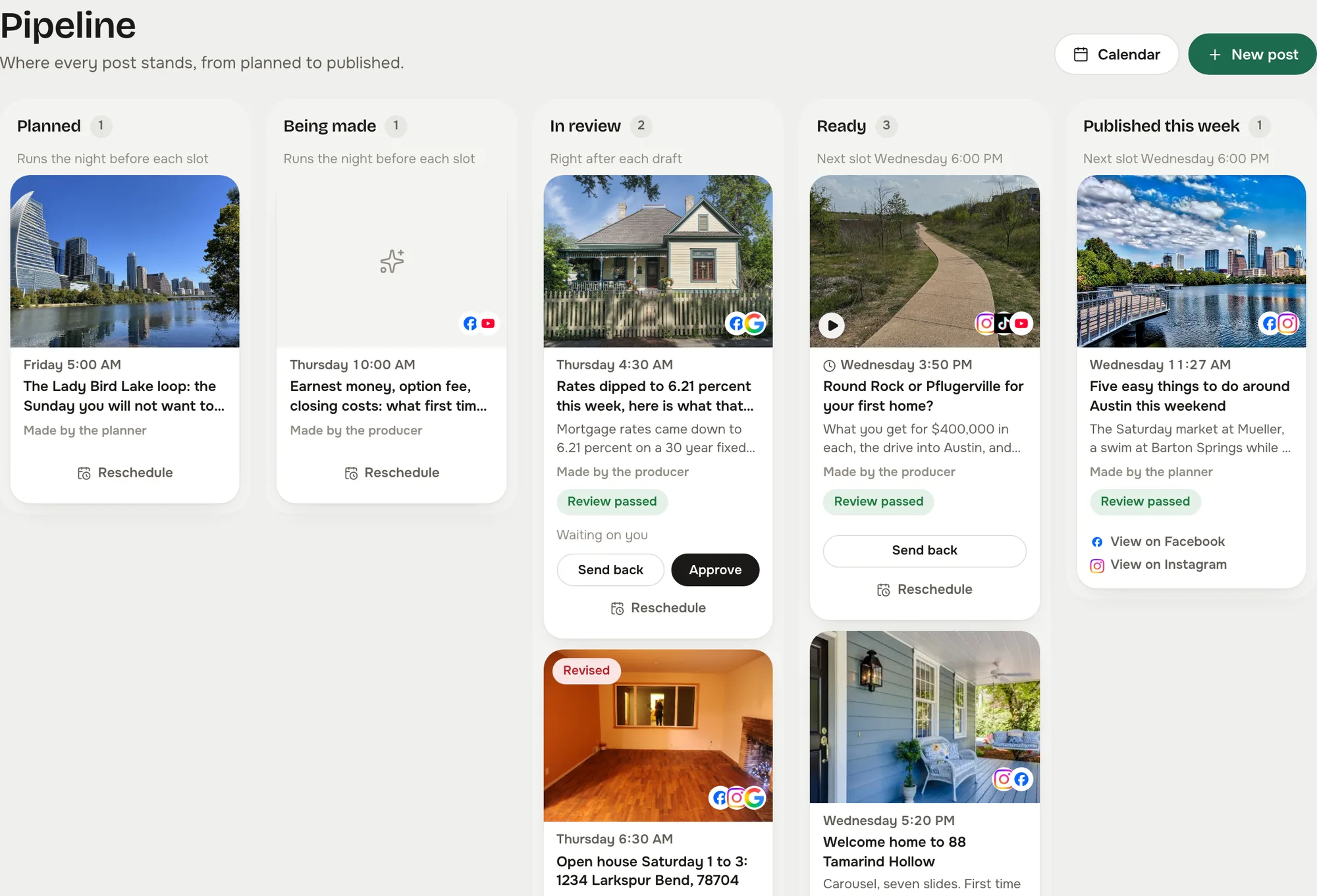
The post waits as Ready until you approve it, unless you let reviewed posts send themselves. Then it goes out on time and shows on the calendar with its link.
Captured from the live studio on a demo account, Mitchell Realty Group, an invented Austin, Texas team. Every agent, listing, number and message in it is invented.
Connect the business page once and the whole team posts to it. A personal profile stays personal and only you can see it.
Facebook hides a long post behind See more after about 477 characters. The composer marks the fold so the line that matters sits above it.
Every comment on a post and every message to the page lands in the studio inbox, grouped by conversation, with Reply, Lead, Later and Done.
Keep the post clean and let the hashtags ride in an automatic first comment.
Keyword rules answer the questions you get every week, after the wait you set, once you switch them on.
Yes. The studio posts to a page, not to a personal profile timeline. Connecting takes one approval at Facebook and brings you straight back.
Yes. A shared page belongs to the business, so everyone on the team can post to it. Personal accounts stay private to the person who connected them.
Yes. Comments on your posts and messages to your page arrive in the studio inbox as they happen, and a reply from the inbox goes back out on Facebook.
In your Reclearly dashboard. The Social Studio link opens it inside Reclearly, in your own workspace, and Facebook is on the Accounts screen.