01
Connect Google Business once
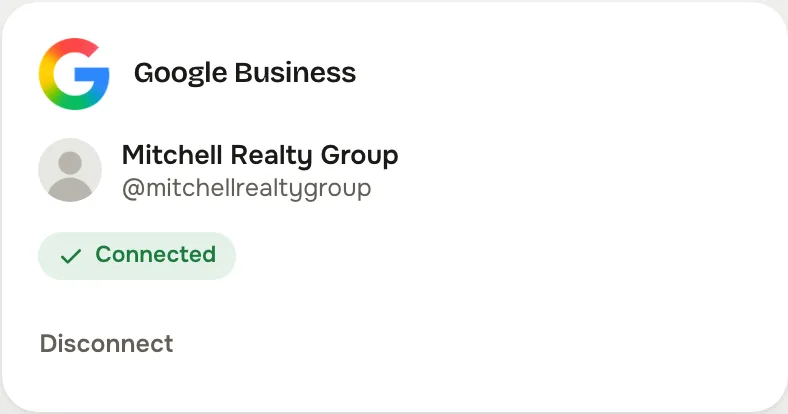
One approval at Google Business and the studio brings you straight back. A shared page belongs to the business; a personal account stays private to you.


The post that shows up in Search and Maps when someone looks for an agent.
From the studio's own network settings.
A Google Business post is not social media in the usual sense. It appears on your business profile in Google Search and Maps, next to your reviews and your hours, to someone who was already looking for a real estate agent nearby. It is the post most agents forget and the one with the readiest reader.
One approval at Google Business and the studio brings you straight back. A shared page belongs to the business; a personal account stays private to you.
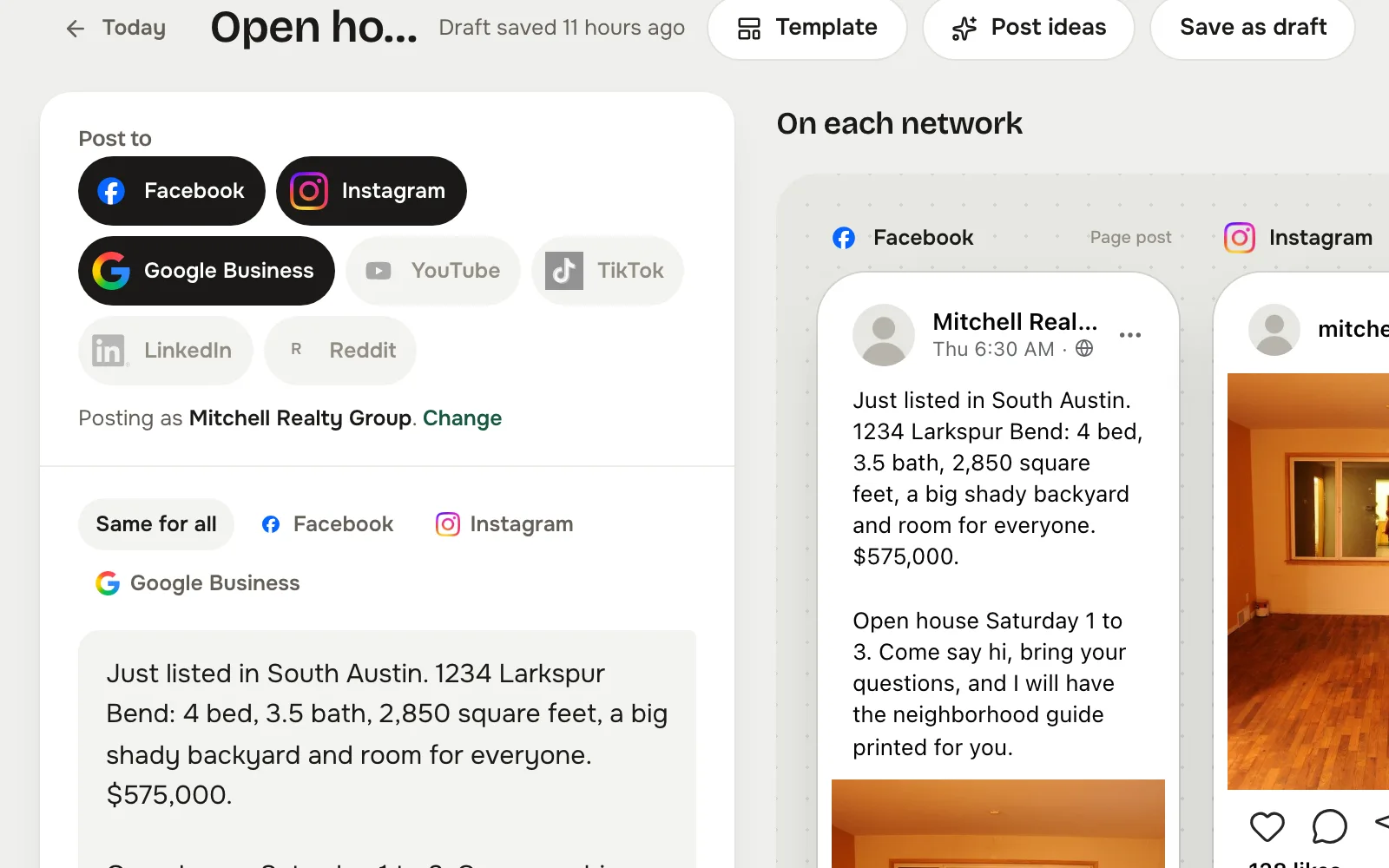
Tap Google Business in Post to, write the post, and see the Google Business preview beside the others before it goes anywhere.
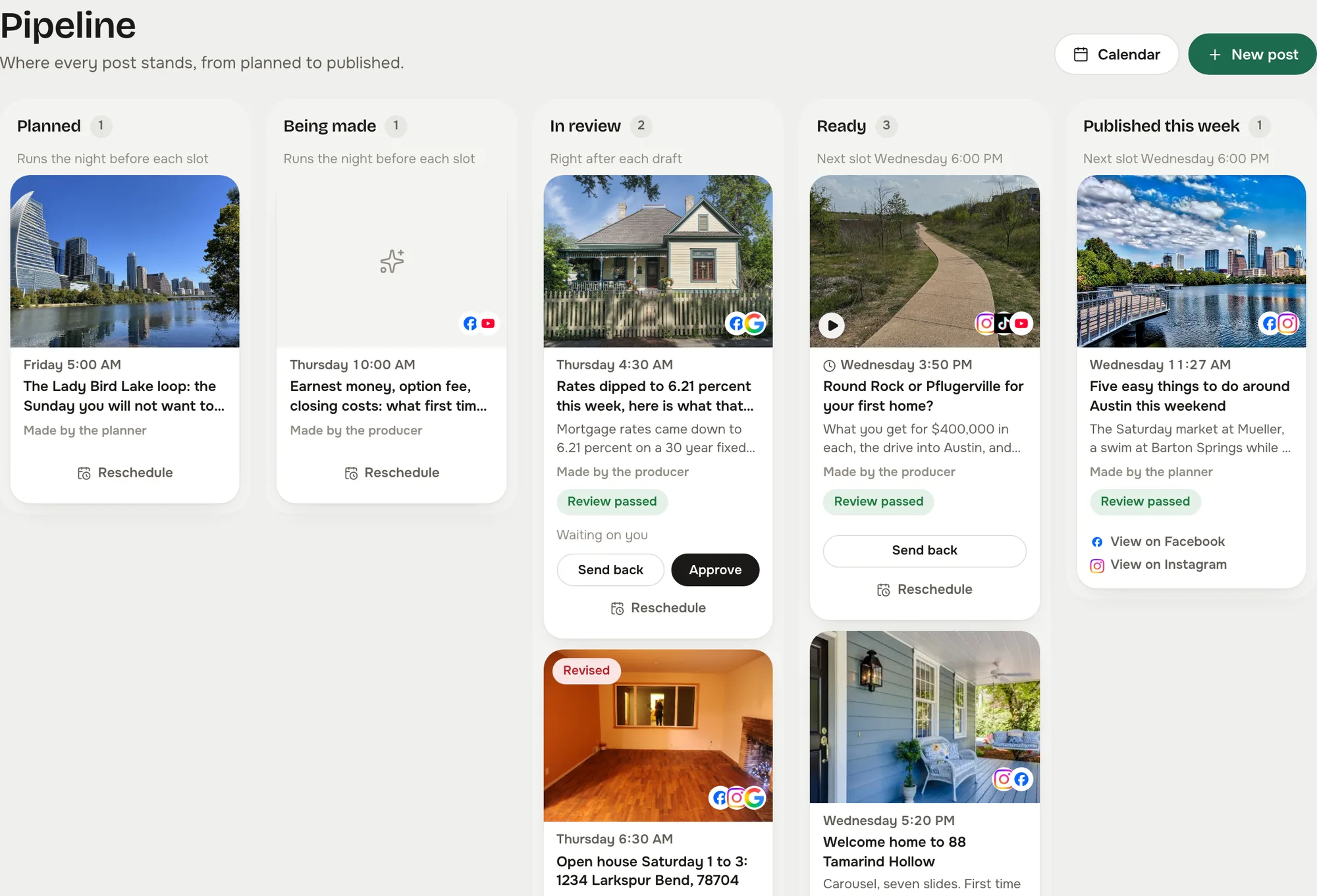
The post waits as Ready until you approve it, unless you let reviewed posts send themselves. Then it goes out on time and shows on the calendar with its link.
Captured from the live studio on a demo account, Mitchell Realty Group, an invented Austin, Texas team. Every agent, listing, number and message in it is invented.
A Google Business post carries a Learn more button and shows on your profile, so the composer previews it as its own card, not as a Facebook post with the hashtags stripped.
The preview marks where Google cuts the post, so the point lands first.
A market update or an open house note goes out as words alone when that is all it needs. Add the listing graphic when it helps.
Give Google Business its own slot in the planner's per network mix and the writer drafts something built for the profile, not a repost.
Yes, a verified business profile. The studio connects to it through Google's own approval.
Not into the studio inbox today. The inbox covers Facebook and Instagram comments and messages. Reviews stay on your profile.
Because the person reading it searched for a real estate agent in your area. That is a warmer reader than any feed.
In your Reclearly dashboard. The Social Studio link opens it inside Reclearly, in your own workspace, and Google Business is on the Accounts screen.